import Image from 'next/image'
Managing secrets and sensitive data in dehook
Secrets allow you to add sensitive data to your webhook requests in the form of a header
About secrets
Secrets are encrypted pieces of data that you can add for use across your entire account. Once created, they can be used to securely enrich webhook requests, ensuring confidence in the requests you receive. All data is encrypted with AES-256 at-rest and during transmission. We use a libsodium sealed box to encrypt the data before it is sent to dehook.
Recommended use
Though dehook may have already verified an incoming webhook, it is typical that an organisation may want to add their own form of API secret, ensuring that the request did in fact come from dehook. These secrets can be per webhook or across an entire organisation. Using both Secrets and dehook's fixed IPs, you can be sure that a request came from us.
Adding a Secret
- On dehook.io, go to the Overview (opens in a new tab) page
- Select 'Secrets'
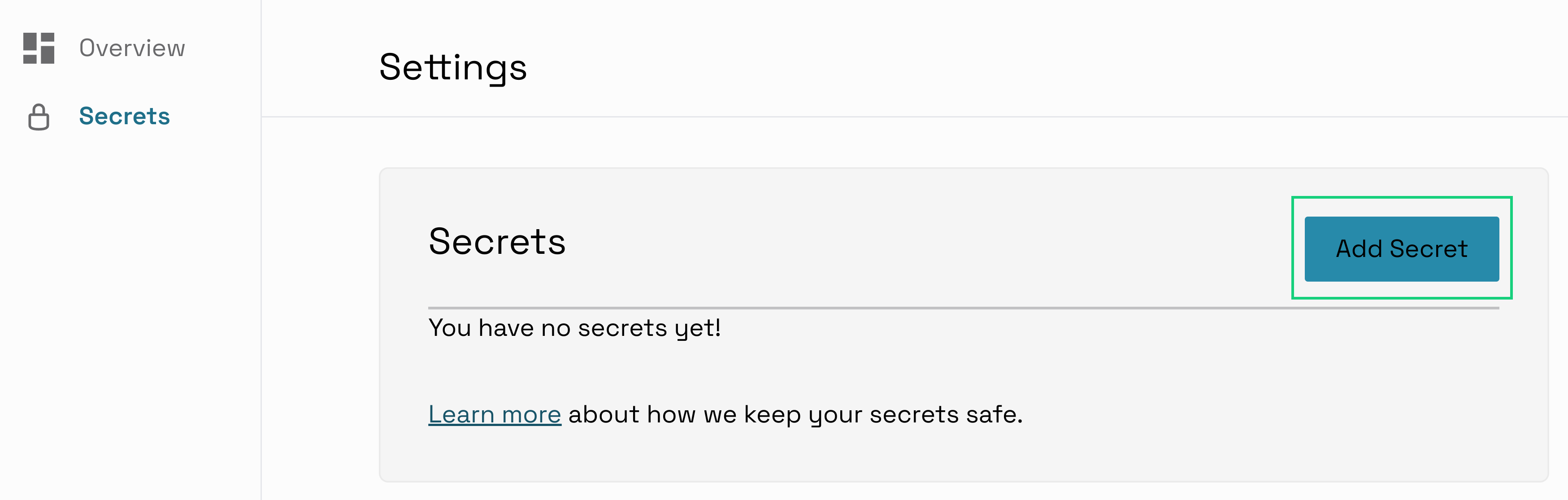
- Select 'Add a Secret'
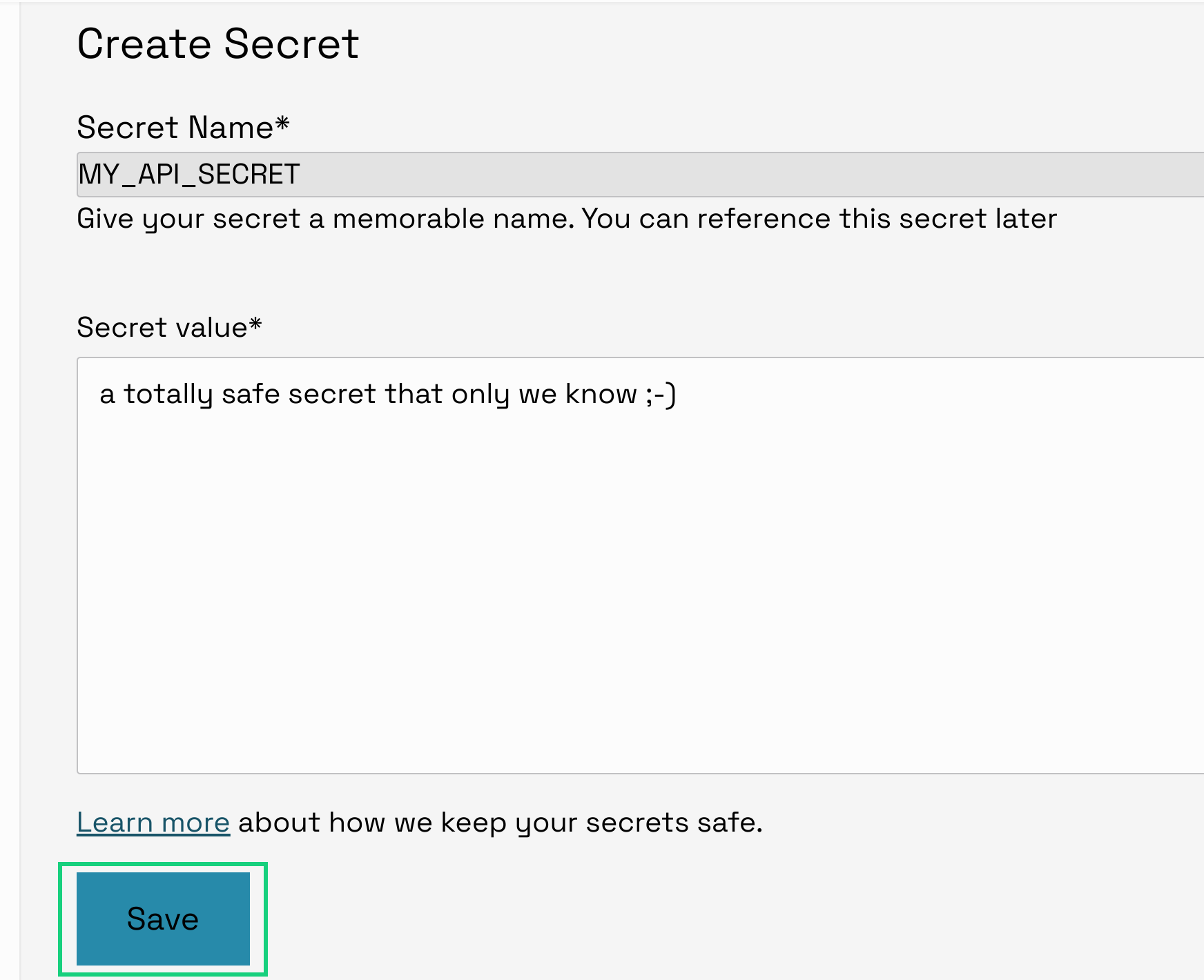
- Enter the Secret's name and value and hit save
Removing a Secret
Before a Secret can be removed, it must no longer be referenced by any Fanout Destinations, ensuring your Webhooks continue to work. We will inform you before deletion if that is the case.
- On dehook.io, go to the Overview (opens in a new tab) page
- Select 'Secrets'
- Select the '...' next to your Secret. gray;"/>
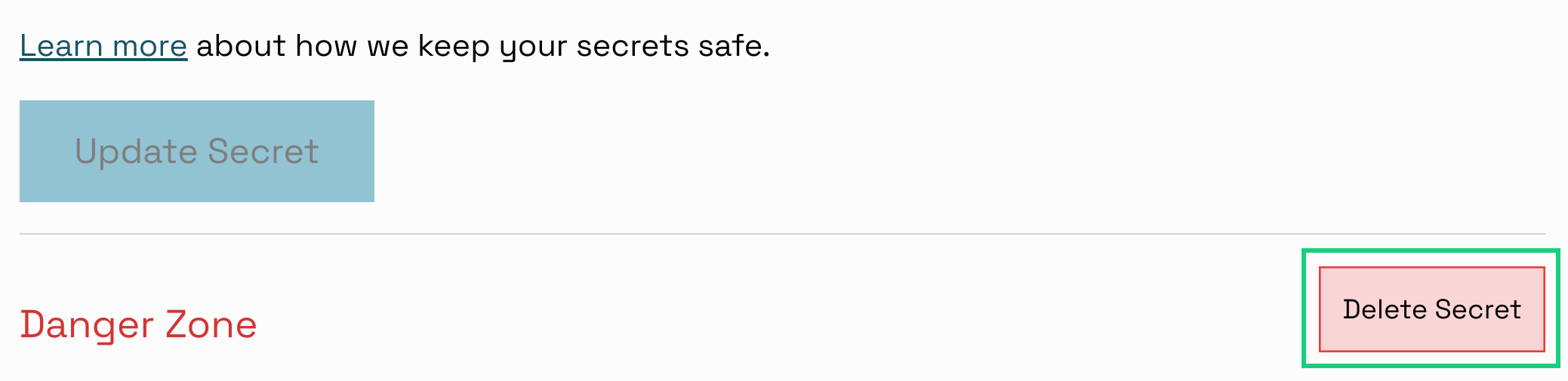
- Select 'Delete Secret'
- Confirm the deletion by entering the name of the Secret
Limits
A secret's name can only contain alphanumeric characters, as well as a hyphen. In addition, a name cannot start with DEHOOK_
The maximum value of a secret is 4KB